Find the right practice area
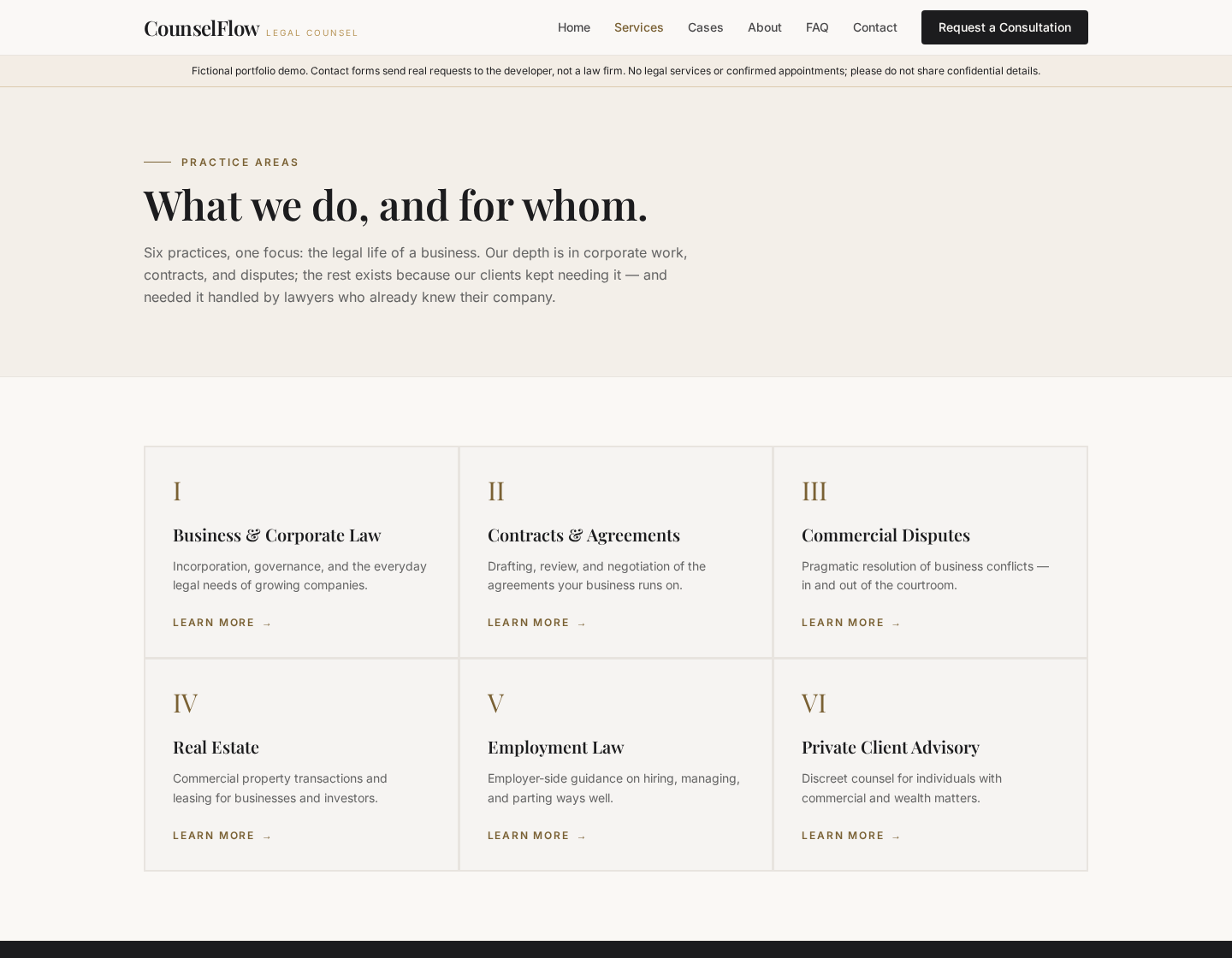
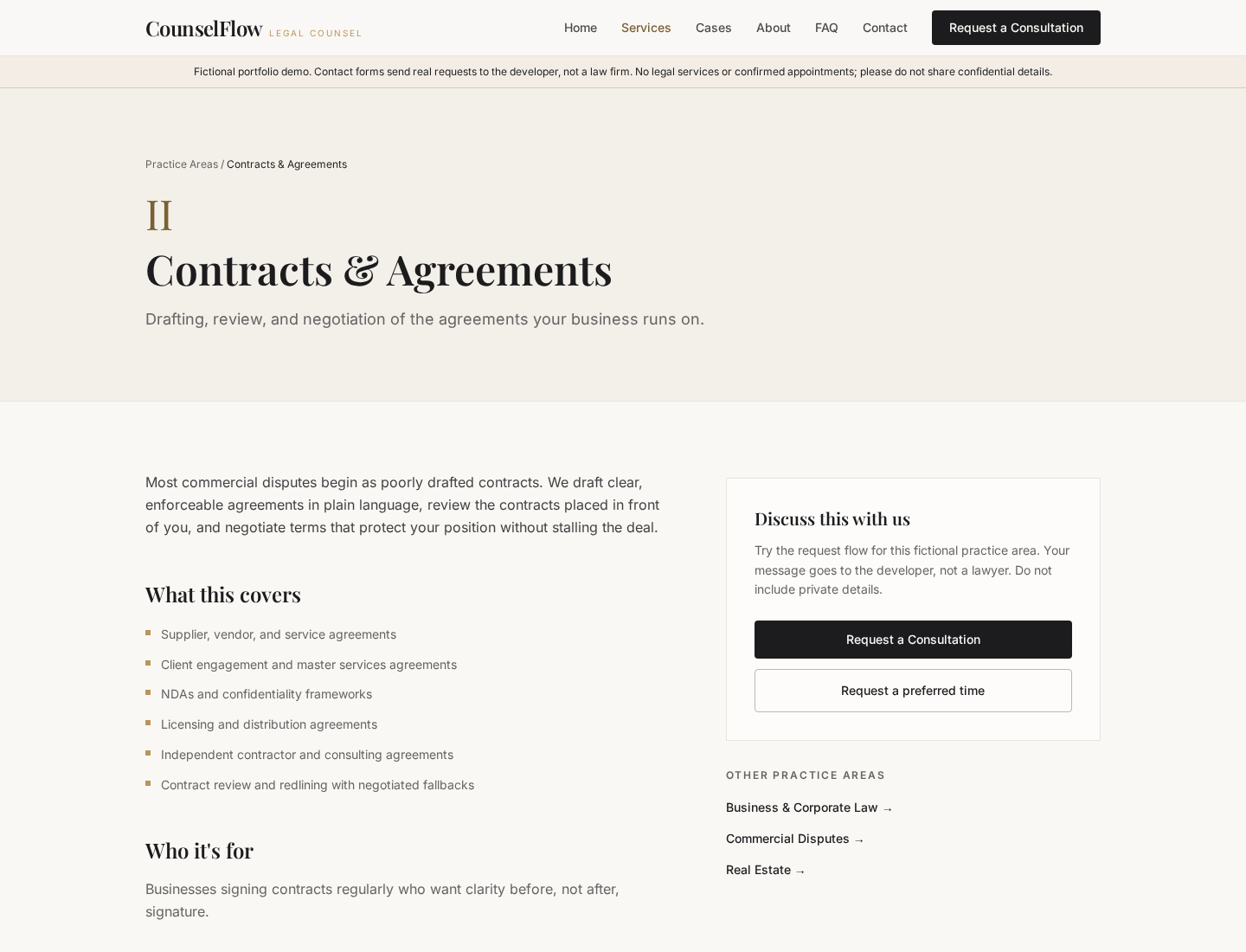
Six service cards lead to individual pages with plain-language summaries, examples of work and audience cues. A FAQ and contact links keep the next step close when the visitor is unsure which area fits.
A fictional legal-practice website that helps visitors find a service and send a real demo enquiry to the developer, with a clear option to request a preferred time.
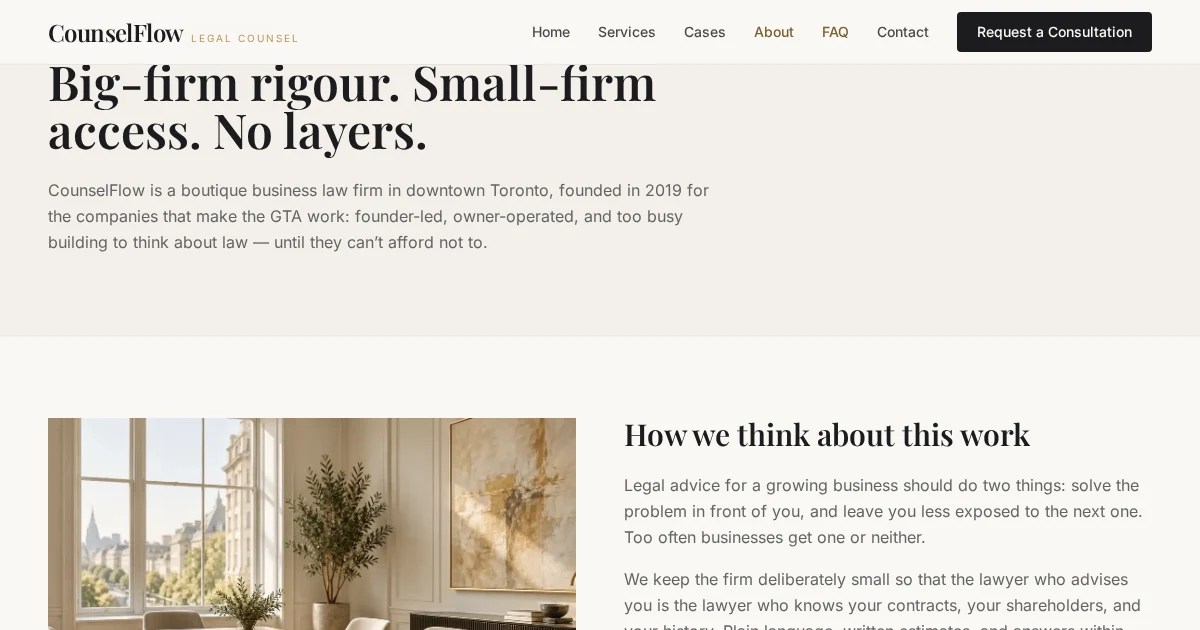
Legal work can be difficult to classify before a first conversation. A visitor needs a useful starting point, enough detail to judge relevance, and a clear way to ask for help without mistaking a portfolio demo for a law firm. CounselFlow brings the service information and contact decision into one calm path.
Editorial Playfair Display headings and generous ivory space make longer explanations readable. Charcoal panels give important transitions weight; a muted gold accent marks primary actions without overwhelming the copy. Consistent service cards, short section labels and direct disclaimers help a visitor understand both the offer shown and the demo’s limits.
Six service cards lead to individual pages with plain-language summaries, examples of work and audience cues. A FAQ and contact links keep the next step close when the visitor is unsure which area fits.
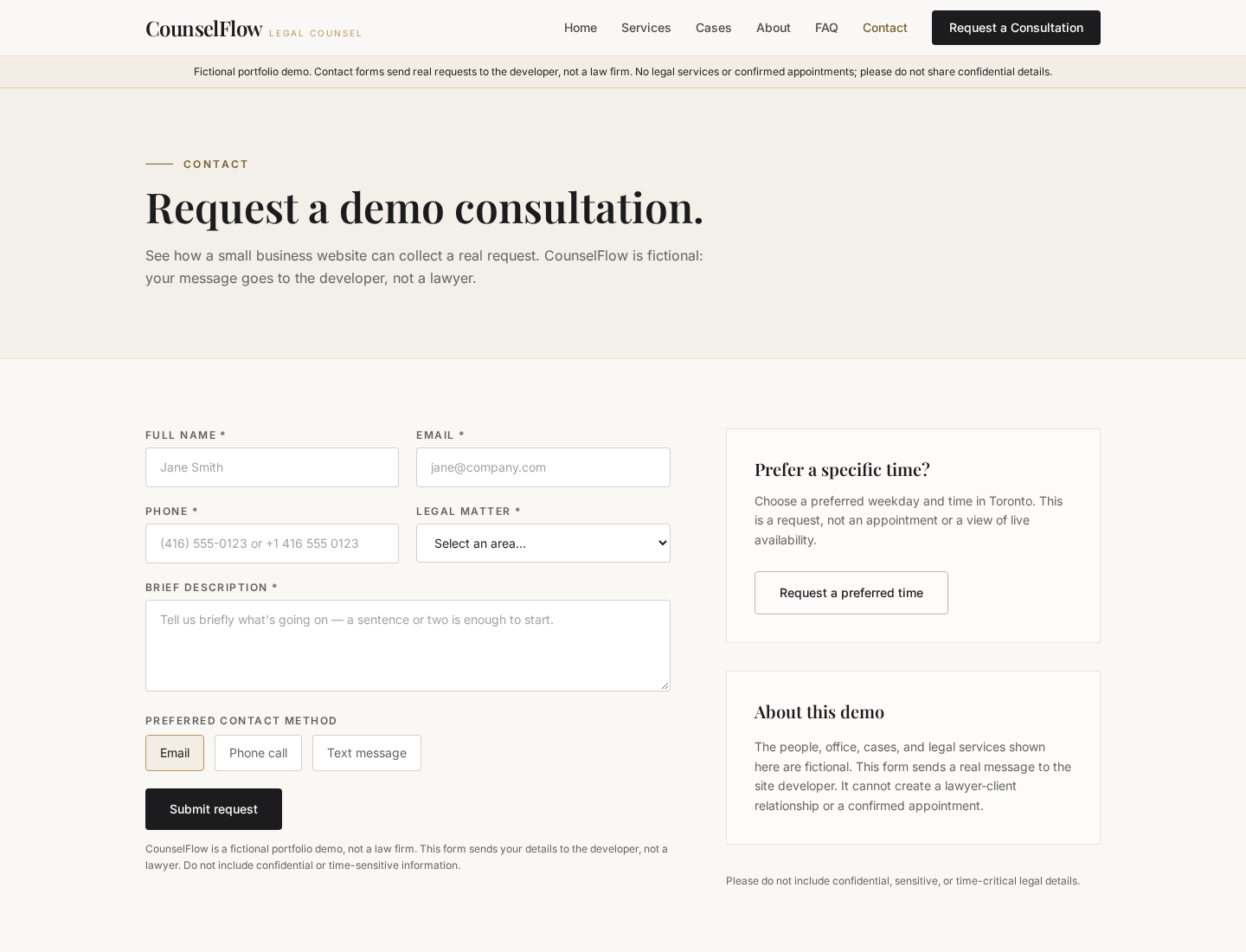
The consultation form asks for a service, contact details and a short message. Required fields and Canadian or international phone validation catch mistakes before a real Formspree request is sent.
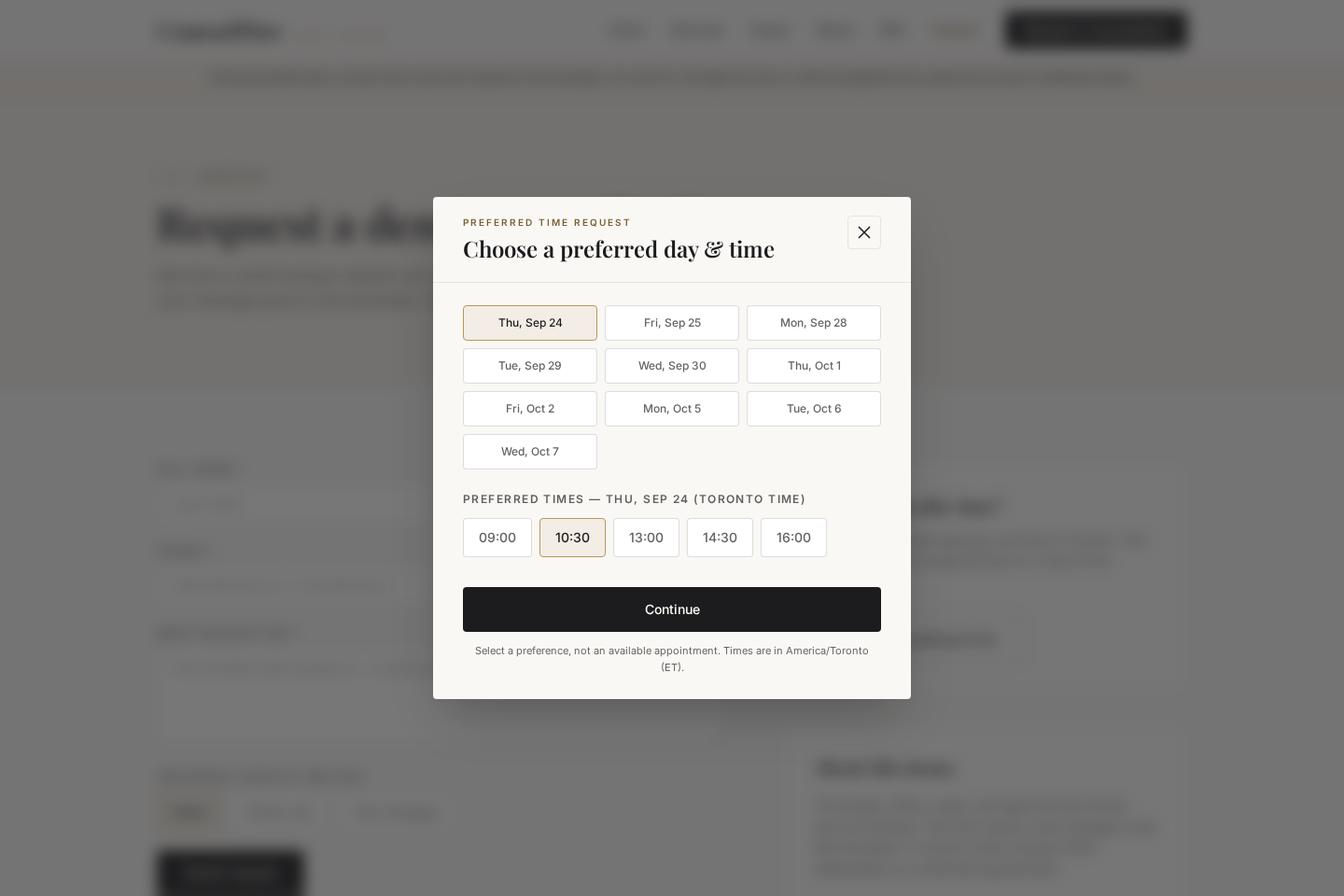
A separate modal lets visitors suggest a future weekday and time in America/Toronto. It uses the same delivery channel as the main form, but clearly states that the choice is a preference, not live availability or a confirmed booking.
The UI waits for Formspree to accept the request before showing success. Network or service errors keep the entered data and offer a retry; demo notices explain that requests reach the developer and no legal service is offered.
Both entry points converge on a real submission flow, while the visitor stays informed about what will happen next.
Scan practice areas, a service page or the FAQ to identify a likely starting point.
Open the consultation form or select a Toronto weekday and time preference.
Complete validated contact fields; the browser sends the request to Formspree and blocks duplicate submission while it is pending.
A confirmed service response produces success. An error keeps the form available for correction or retry; no appointment is created.
CounselFlow is a portfolio demo of a fictional practice, not a legal-services business. The service descriptions, people and cases are illustrative. Requests really reach the portfolio developer via Formspree, not a lawyer; submitting one does not establish a lawyer-client relationship. Preferred times are not live availability and do not create appointments. Visitors should not enter confidential or time-critical legal information.