01
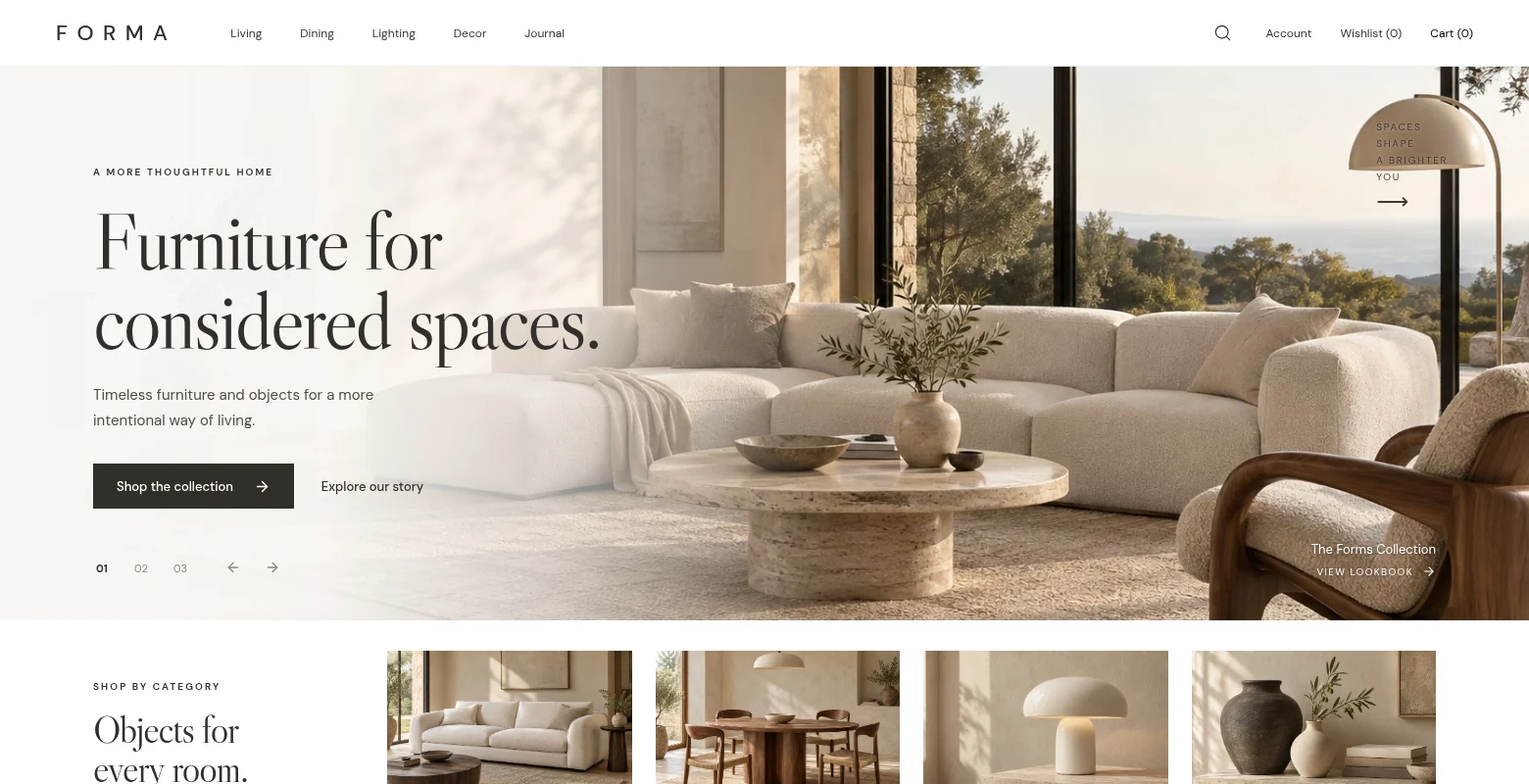
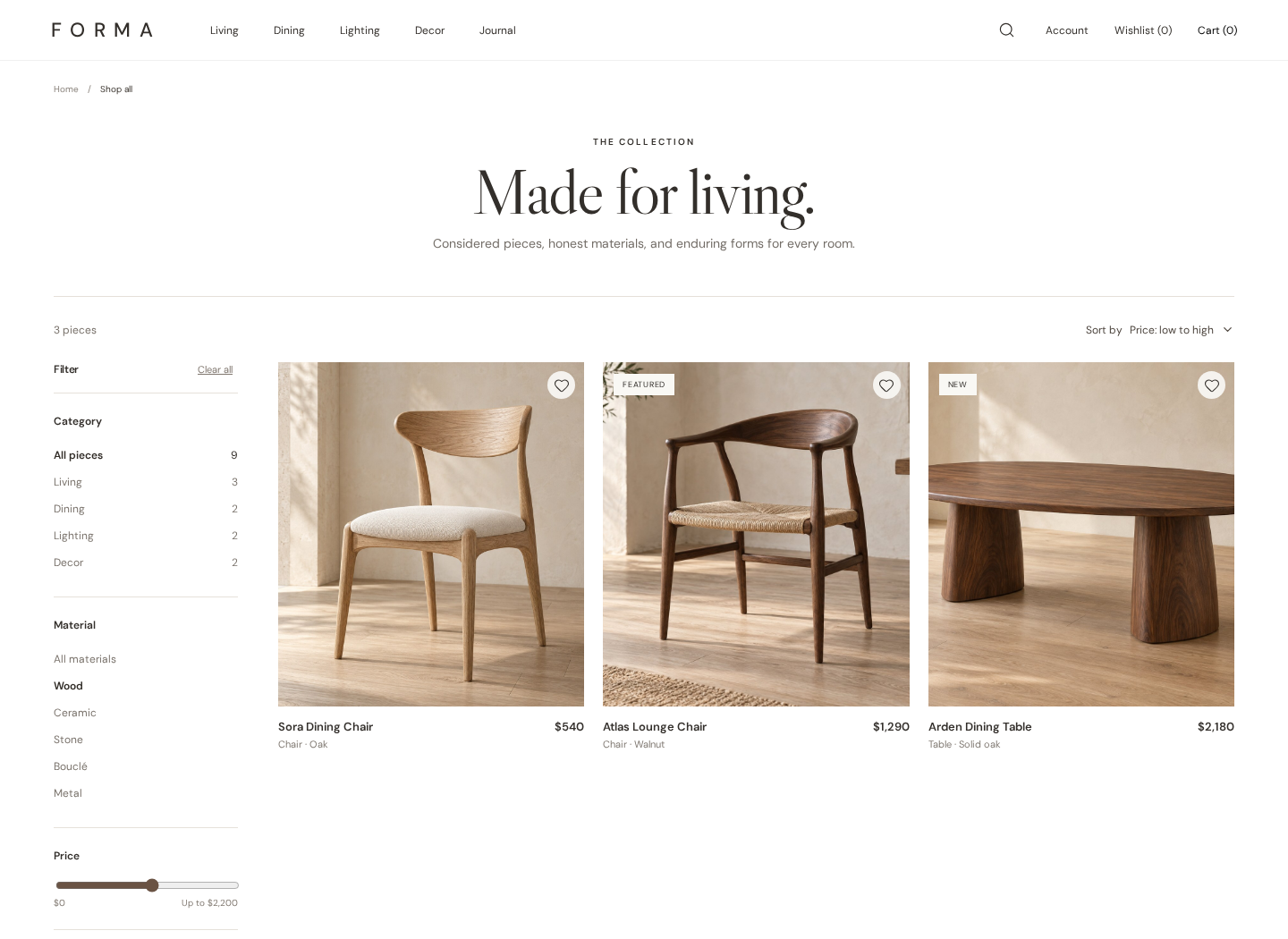
Discover by room or intent
Category entry points and search suggestions lead into a shop view. Material, maximum price and sorting choices are stored in the URL with the category and query, so refresh and browser history preserve the selection; empty results offer a reset.
02
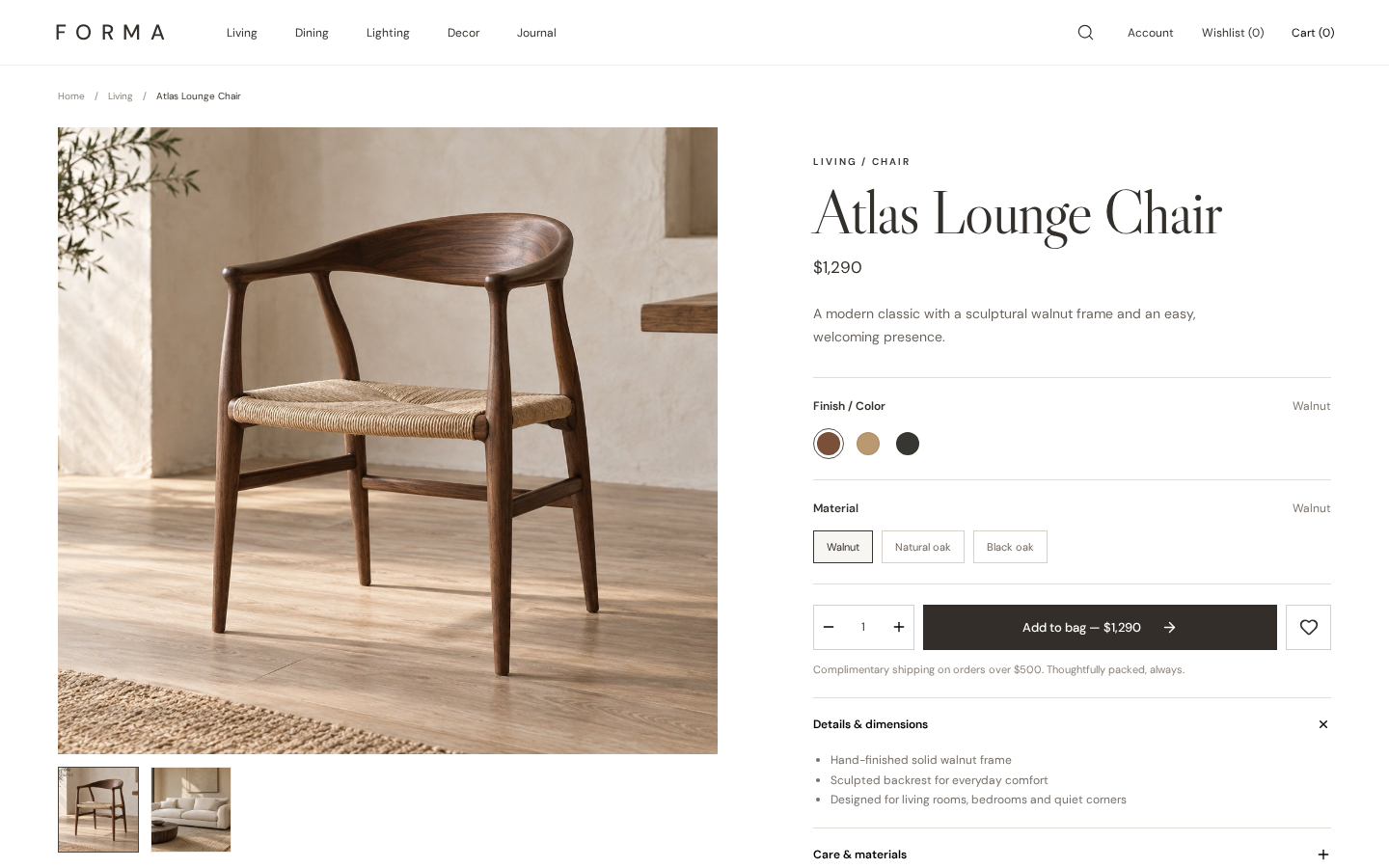
Decide with the details
A product page brings together two images, finish choices on applicable pieces, quantity, specifications and related products. The hierarchy keeps material, price and add-to-bag action visible in the same decision flow.
03
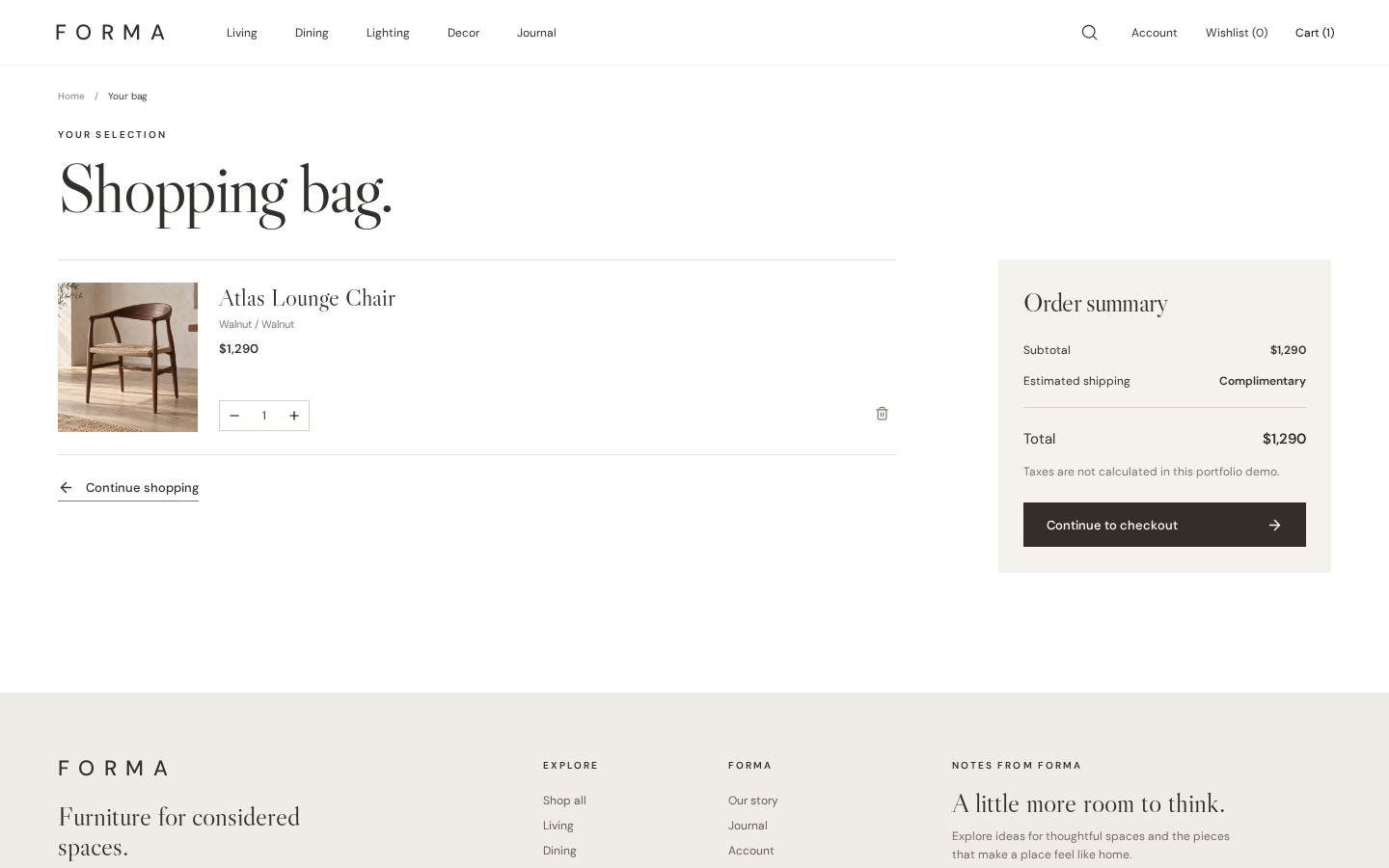
Keep a shortlist in motion
Wishlist and shopping bag work across product cards and detail pages. Their contents and bag quantities remain in this browser’s local storage after a refresh, without asking for an account.
04
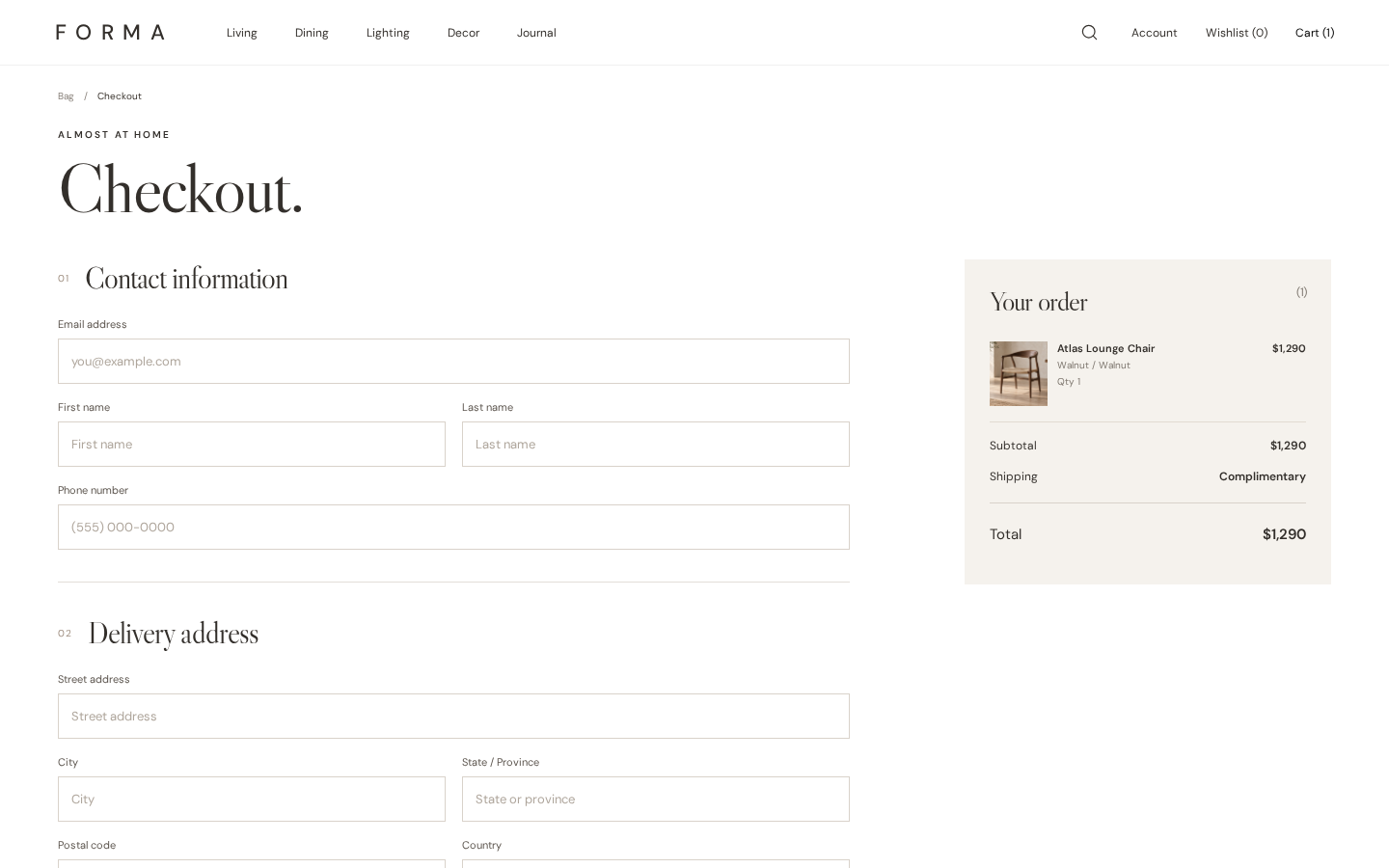
Walk through checkout
The bag leads to a checkout UI with delivery or pickup, contact fields, a price summary and payment-choice controls. Completion produces a demo order confirmation only; it does not charge a card or place an order.